
TL;DR
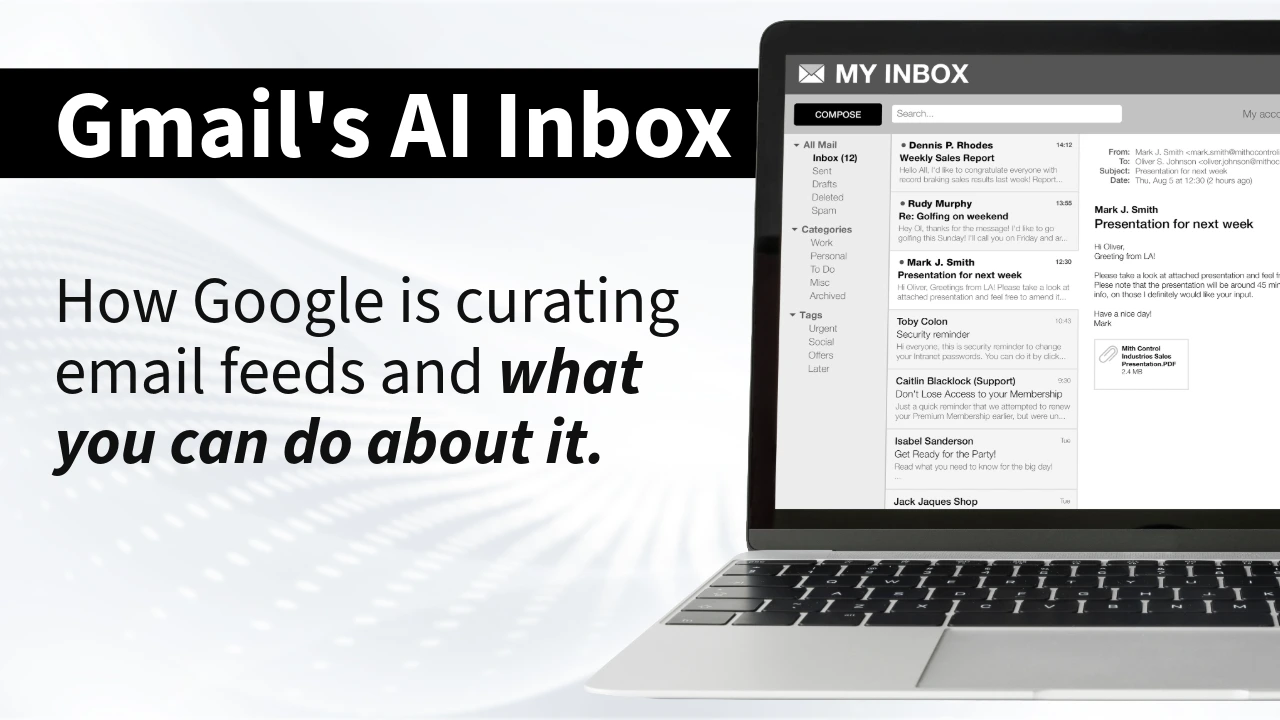
Gmail’s AI Inbox is filtering what people see based on engagement, behavior, and content quality.
Your “delivered” emails can now be buried even if they technically hit the inbox, which means your metrics are lying to you.
This article shows you how to adapt:
- segment harder
- write like a human
- prioritize replies
- and protect your domain reputation
The inbox isn’t a right anymore. It’s earned. Act accordingly.
What Gmail’s AI Inbox Actually Is (And Why You Should Care)
The Gmail AI Inbox is Google’s Gemini-powered system that reorganizes inboxes based on predicted importance, engagement history, and content analysis, not chronological order. Emails now land in AI-curated sections like “Suggested to-dos” (high priority, action-required) or “Topics to catch up on” (grouped updates). Translation: Google decides if your message deserves attention. Inbox placement is no longer the win. Visibility is.
If you’re measuring success by “delivered,” you’re tracking the wrong scoreboard.
✅ Use Gmail’s AI Inbox model when:
- You care about long-term deliverability
- You’re willing to segment by behavior
- You’re optimizing for replies, clicks, and time spent reading
- You want sustainable email revenue
❌ Don’t expect results if:
- You blast the same email to everyone
- You buy lists (why are we still doing this?)
- You treat email like a billboard
- You rely on open rates as your north star
💡AI now decides priority. Engagement decides survival.
What Gmail’s AI Is Watching Like a Hawk
Google's Gmail AI Inbox isn’t guessing. It’s measuring.
Here’s what Gmail’s AI Inbox evaluates:
- Sender reputation – How often you email. How people respond. Whether you’re ignored.
- Engagement depth – Opens matter less. Clicks matter more. Replies matter most.
- Content semantics – Natural language processing reads your email and flags generic promo language.
- Visual signals – Image-heavy layouts, aggressive CTAs, templated formatting.
- Historical behavior – The AI remembers who your subscribers engage with — and who they ignore.
The AI learns patterns, adapts, and it absolutely holds grudges.
💡Two bad campaigns can haunt you for months.
Why Spray-And-Pray Just Got Buried
❌ Old model: blast everyone, chase open rates, repeat.
✔️ New model: earn engagement or get deprioritized.
Up to 40% of emails that technically reach Gmail inboxes are now being deprioritized by AI filtering.
“Delivered” does not equal “seen.”
💡 Email marketing just shifted from interruption marketing to relationship marketing and honestly? Good.
What Actually Works Now (If You Want to Be Seen)
Frequency isn’t the enemy, irrelevance is. If subscribers engage, you can email daily. Twice daily. The AI rewards attention signals.
If subscribers ignore you, every send trains Gmail to bury you faster.
💡High value supports high frequency. Low value kills at any frequency.
1. Segment Like Your Revenue Depends On It
Create at least two segments:
- Hot List: Opened, clicked, or replied in last 30 days
- Cold List: No engagement in 30+ days
Then do this:
- Send higher frequency to your Hot List.
- Reduce cadence to your Cold List.
- Run re-engagement campaigns for the silent subscribers.
- Sunset the truly inactive.
One-size-fits-all email is dead.
2. Optimize for Replies (Not Just Clicks)
Replies are gold now. Want priority placement? Ask questions. Invite responses. Make it conversational.
Do this:
- Write like you’re emailing one person.
- End with a simple question.
- Encourage short replies.
- Actually respond back.
A two-way inbox beats a one-way broadcast.
3. Write Like a Human, Not a Brand Deck
The Gmail AI Inbox NLP can smell “Dear Valued Customer” from orbit. Corporate speak signals promotional intent.
💡 Personality signals human intent.
Best practices:
- Use plain language.
- Keep formatting simple.
- Limit heavy banners and image blocks.
- Sound like someone with a pulse.
Your voice is now a deliverability strategy.
⚠️ Common Mistakes Killing Visibility
- Buying lists
- Emailing disengaged subscribers repeatedly
- Obsessing over open rates
- Sending identical content to all segments
- Ignoring complaint rates
💡 If engagement drops and you keep pushing volume, you are literally training the AI to ignore you.
Your Domain Reputation Is Your Lifeline
Gmail’s AI Inbox doesn’t forget sender behavior. Domain reputation compounds good or bad, so protect it like revenue depends on it (because it does).
Non-negotiables:
- Warm up new domains gradually
- Never buy lists
- Monitor complaint rates weekly
- Implement a sunset policy for inactive subscribers
- Watch engagement trends obsessively
Deliverability is no longer technical. It’s behavioral.
What We’re Doing About It
We’re not backing off frequency.
We’re doubling down on engagement.
- Segmenting aggressively
- Prioritizing replies
- Tracking time spent reading
- Treating engagement depth as the KPI
Open rates --> Becoming vanity metrics.
Click rates --> Warmer.
Reply rates, forwards, time-in-email --> That’s the real scoreboard.
💡 The inbox is earned now, not given.
FAQ: Questions You're Too Embarrassed to Ask
Is Gmail’s AI Inbox killing email marketing?
No. It’s killing bad email marketing. Gmail’s AI Inbox rewards engagement-driven strategies and punishes lazy broadcasting.
Do open rates still matter with Gmail’s AI filtering?
Less and less. Opens are weak signals. Replies and clicks carry more weight because they indicate real intent and attention.
Should I reduce email frequency because of Gmail’s AI Inbox?
Not automatically. Reduce irrelevance, not frequency. If engagement is strong, higher frequency can actually help visibility.
How do I improve visibility in Gmail’s AI Inbox?
Segment by behavior, write conversational emails, encourage replies, remove inactive subscribers, and protect your domain reputation.
Here’s What You Do Next
- Audit your last 10 campaigns.
- Segment your list by 30-day engagement.
- Cut dead weight.
- Write your next email like it’s going to one person (and end it with a question that demands a reply.)
Because right now, Gmail’s AI Inbox is deciding whether you’re important.
If you don’t control engagement, the algorithm will.
👉 Start acting like the inbox has to be earned.
Want to learn more marketing must-haves? Check out this article on the Best Marketing Tools for Small Business.
Follow us on LinkedIn!